
Track expenses in multiple currencies
Keep the original transaction currency visible while using a home-currency view for totals.
Read the guideFinAssist Guides
Practical guides for people who want less effort in their money routine: scan a receipt, ask for help, and keep a clearer view of spending across currencies.
Keep the original transaction currency visible while using a home-currency view for totals.
Read the guide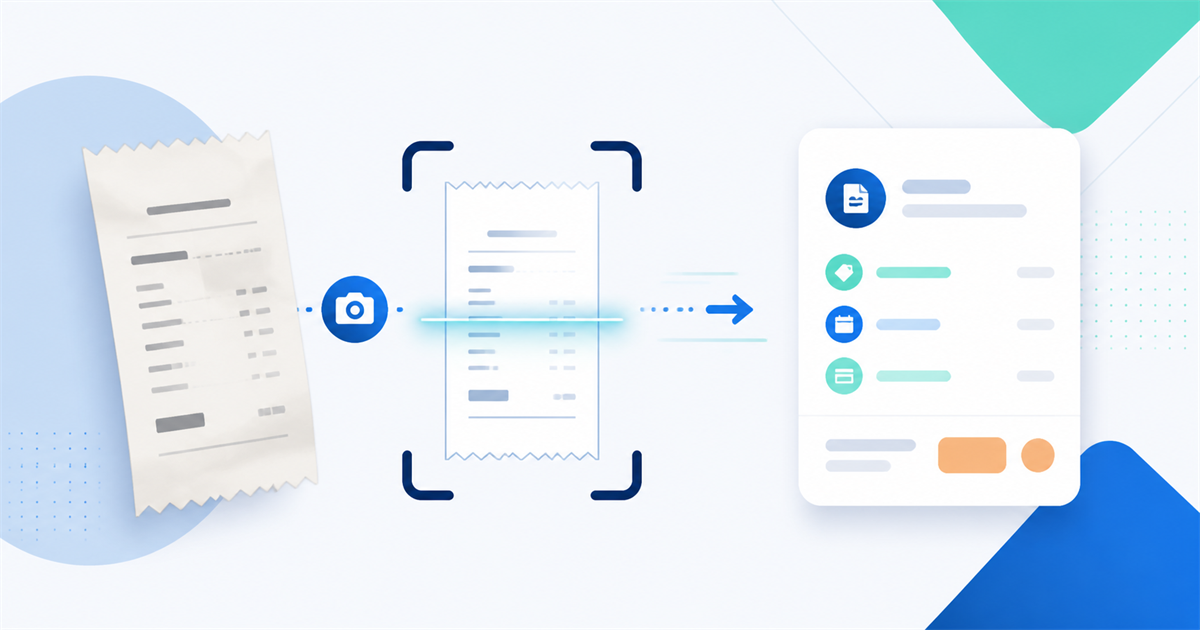
See what happens between taking a receipt photo and reviewing the extracted expense details.
Read the guide
Use a quick review checklist for the merchant, date, total, currency, account, and category.
Read the guide
Try natural-language examples that give an AI expense tracker enough context to help.
Read the guideUnderstand receipt OCR, review what an app extracts, and keep digital receipts useful after the purchase.
Learn how natural-language expense entry can reduce the friction of recording everyday spending.
Keep transaction currencies, home totals, and travel spending easier to understand in one view.
FinAssist is available on Android with receipt scanning and AI-assisted expense entry.
